
🛡️
Security Scoring Before Install
Static analysis on install — flags prompt injection, command injection and obfuscated code before anything is written to disk. It is pattern-based, and /security documents exactly what it misses.
Scan a skill for prompt injection before it lands on disk. Then install it to every AI coding agent on your machine.
npm install -g rolecraft
rolecraft search code-review
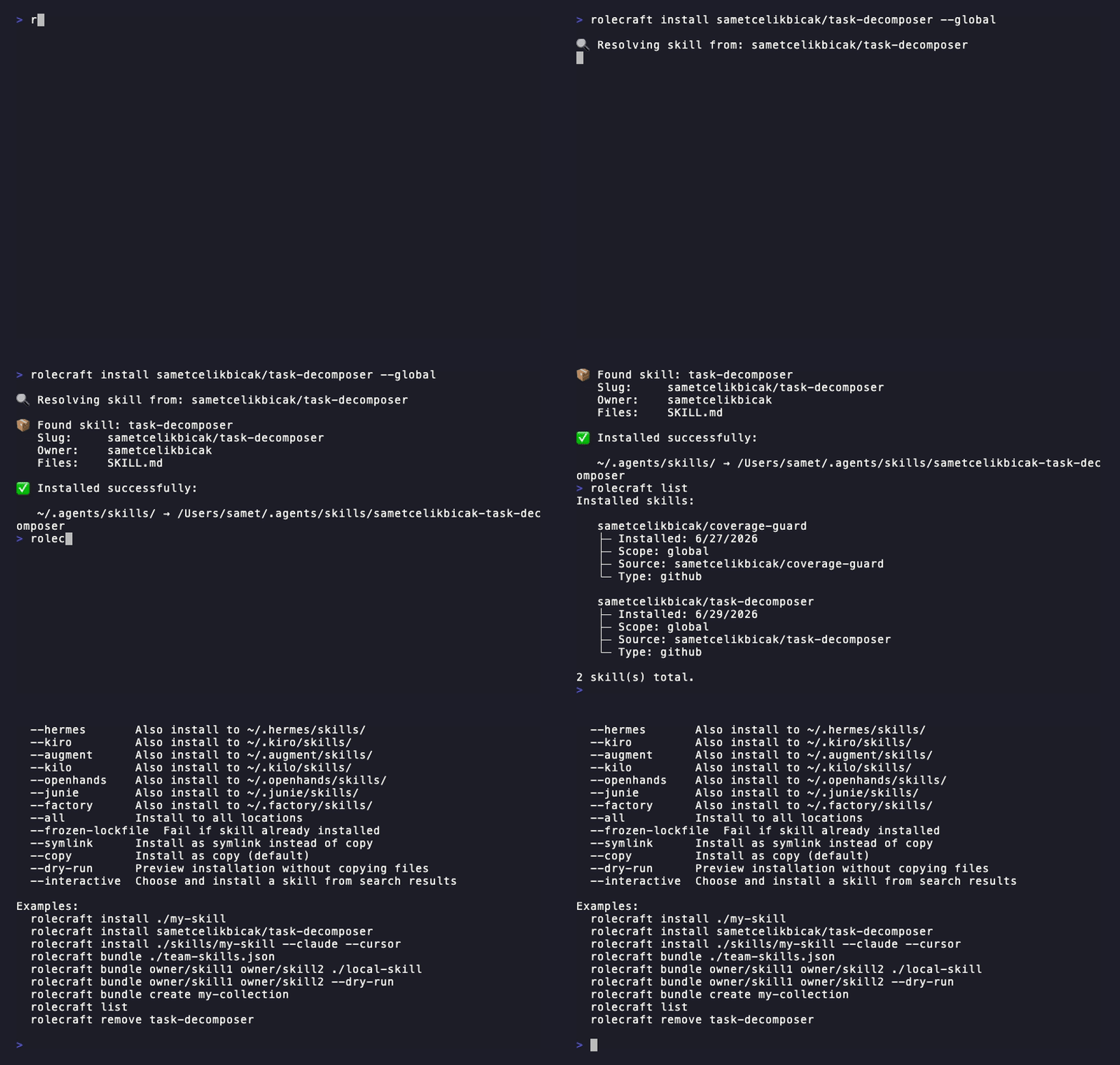
rolecraft install sametcelikbicak/coverage-guard --global
Install from a local path, a GitHub shorthand (owner/repo), any git URL, or a multi-skill repository. --dry-run prints the plan without touching disk. Full walkthrough: Getting Started.
90 agents are known, 65 of them verified — opencode, Claude Code, Cursor, Codex, Copilot, Gemini CLI, Windsurf, Aider, Zed, Amp, Grok and more. Skills go to each agent's own directory.
MCP servers are configured for the 9 agents that support them (opencode, Claude Code, Cursor, Windsurf, Devin, Copilot, Continue, oh-my-pi, Muse Code). Full table: Agent Discovery.
| You want to… | Start here |
|---|---|
| Install it and see it work | Install Guide |
| Set up a whole team at once | Onboarding Guide |
| Wire it into a pipeline | CI/CD Guide |
| Look up a command | Commands or CLI Reference |
| Use it as a library | Node.js API |
| Understand the terms | Glossary |